Editing a Case Template:
To Edit an existing Case Template:
- Select the Administrator Menu.
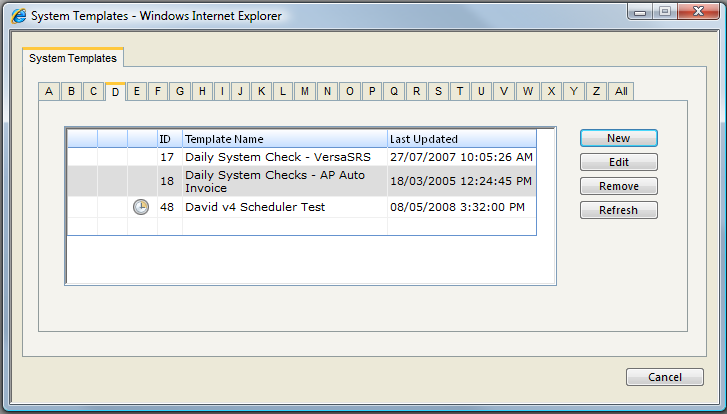
- Select the Templates & Scheduling menu item and click Manage Case Templates. This will open the System Templates screen.
- Via the Alphabetical Tabs select the Case Template you wish to Edit.
- Select the Edit button. This will open the Case Template Properties screen.
- Edit the Case Template as required.
- Press the Save and Close button to save the changes to the Case Template.
See Also
Templates - Available Types
Case Templates - Setting against Key (Qualifier) Sets
Adding a new Case Template
Deleting a Case Template