Editing a Routing Rule
The Administrator may Edit an existing Routing Rule by:
- Select the Administrator Menu.
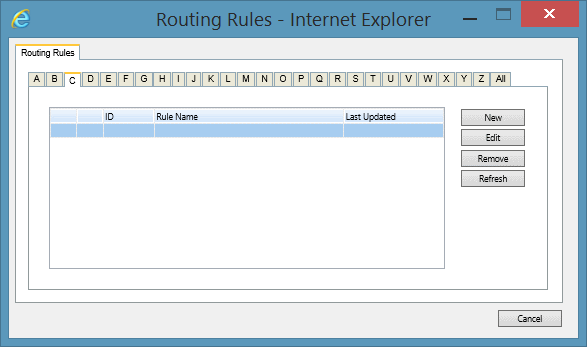
- Select the System Tools Menu Item and click Manage Routing Rules. This will open the Routing Rules screen.
- Via the alphabetical tabs select the Routing Rule that you wish to Edit.
- Select the Edit button. This will open the Manage Routing Rules screen.
- Edit the Routing Rule as required.
- Press the OK button to save changes to the Routing Rule.
See Also
Routing Rules overview
Adding Routing Rules
Deleting Routing Rules