Deleting a Routing Rule
- Select the Administrator Menu.
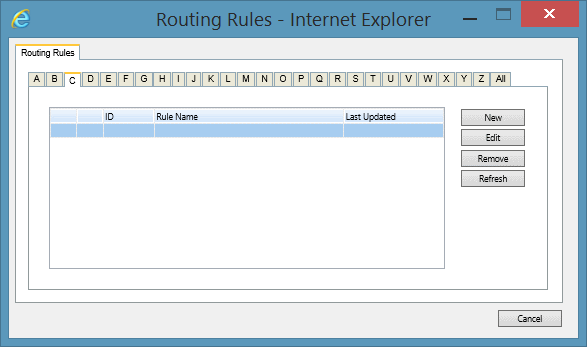
- Select the System Tool Menu Item and click Manage Routing Rules. This will open the Routing Rules screen.
- Via the alphabetical tabs select the Routing Rules that you wish to Delete.
- Select the Remove Button.
- Press the OK button when the "Are you sure you wish to permanently delete the rule,..."window appears to permanently Remove the Routing Rule from the system.
See Also
Routing Rules overview
Adding Routing Rules
Editing Routing Rules