Searching for Contacts in versaCAT
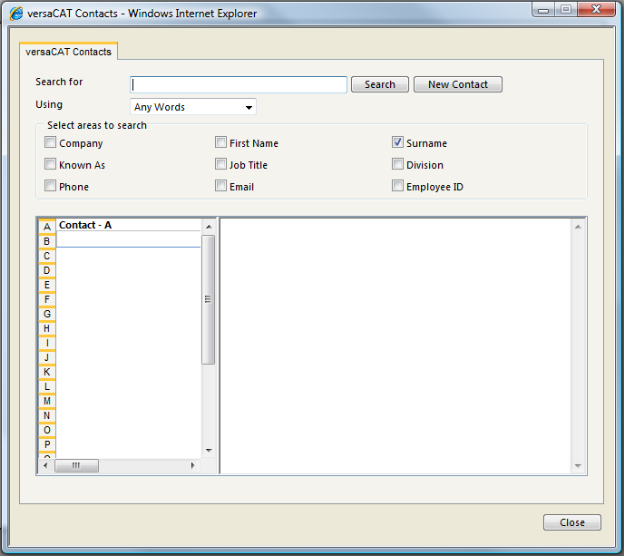
The Administrator may search for Contacts using versaCAT by:
- Select the Administrator Menu.
- Select the versaCAT Menu Item. This will open the versaCAT Contacts screen.
- Enter the key words into the Search Field field.
- In the Using field select to search for Any Words that were entered in the Search For field or search for the Exact Phrase.
- Use the checkboxes to select areas to search in.
- Press the Search button to run the search.